Excel, CSV or vCard: Which WhatsApp Export Format?
The best export format depends on what happens next. NX offers five formats, each suited to a different job: reviewing a spreadsheet, importing contacts, moving structured data or reading a local report.
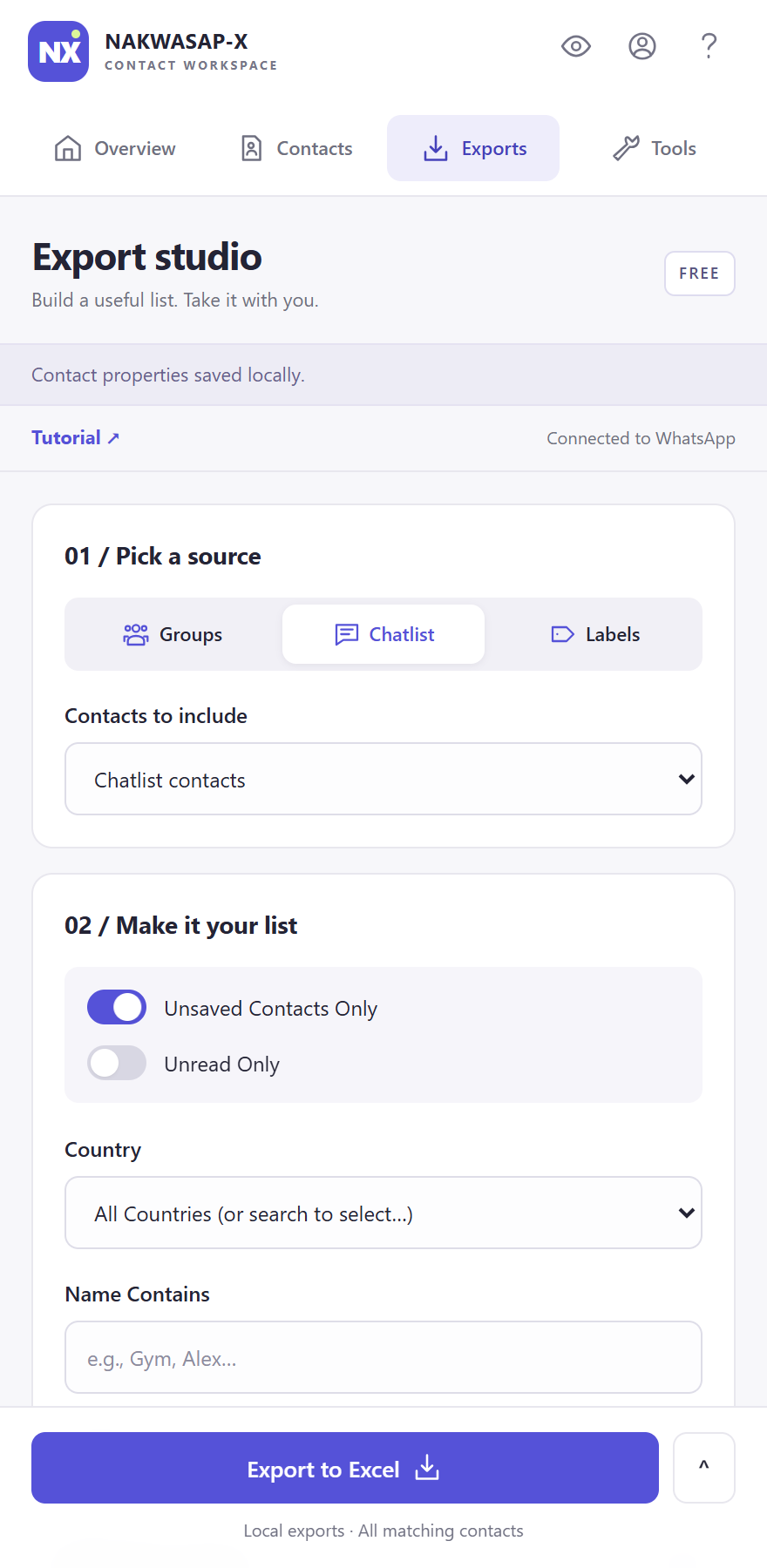
Choose a format by destination
| Format | Useful for | Check first |
|---|---|---|
| Excel (.xlsx) | Spreadsheet review, sorting and follow-up work | Column values and the rows included |
| CSV (.csv) | Tools that accept a flat contact table | Required headers, field mapping and phone handling |
| vCard (.vcf) | Importing into a compatible address book | Valid phone numbers and duplicate handling |
| JSON (.json) | A structured file for your own data workflow | The receiving system's expected field structure |
| HTML (.html) | A readable, searchable report in a browser | Who can access the downloaded file |
Excel: start here for a working spreadsheet
Excel is NX's default export choice. Use it when a person needs to inspect the contact list, organize follow-up work or share a spreadsheet with a colleague. A workbook is often easier to review before importing data into another application.
Check a few rows before relying on the whole file. A blank email or note usually means that detail was not available or has not been entered in NX. The Excel walkthrough covers sources, filters and the final download.
CSV: match the receiving tool
CSV stores a table as text. It is a practical choice when a CRM or other application asks for a CSV contact upload, but the file extension alone does not guarantee compatibility. Compare the exported headers with the destination's import requirements and map fields deliberately.
Telephone numbers are identifiers, not quantities. If your destination automatically treats them as numbers, check whether it changes the leading plus sign, leading zeroes or long values. Use the destination's text-field handling where available and test a small import before committing the entire list.
vCard: choose it for a contact address book
NX exports vCard 3.0 records with a contact name and valid international phone number, plus email and note when available. Contacts without a valid phone number are excluded from this format. As a result, a vCard can contain fewer contacts than a spreadsheet export of the same working list.
Use a compatible contact application's import function and review its duplicate handling. Importing a file is a separate action from exporting it in NX. NX does not automatically save all exported numbers into your phone.
JSON and HTML: structured data or a readable report
JSON is useful when you control the next processing step and need a structured representation of exported fields. It is a downloaded file, not a live API or a connection that continues syncing with WhatsApp. Check its structure against the application that will consume it.
HTML opens as a local report with a search field for filtering the exported table. It is convenient when someone needs to read the result in a browser without opening a spreadsheet app. The report contains the exported data itself, so sending the HTML file shares those details.
The format does not change which contacts you can access
Pick your source and filters before choosing the file type. Changing from CSV to Excel does not unlock unavailable WhatsApp numbers or remove a plan limit. The Free plan includes up to 15 contacts per export or selected group. Pro removes NX export item caps, while WhatsApp availability and permissions continue to apply.
For a specific task, use our guides to unsaved contacts or group rosters. Review a small sample in the destination, confirm the fields and only then use a larger file.
All five files are generated locally. Your NX account and billing still use online services, as described in the privacy policy. Uploading an exported file to another service is a separate sharing decision.