Make the list yours.
Start with chats, groups or Business labels. Focus on unsaved contacts, narrow by country or name, and check the results before exporting.
Chats · Groups · Labels
The easiest and most dependable way to export WhatsApp group contacts, unsaved numbers, chatlists, and business labels to Excel, CSV, vCard, JSON, and HTML. This Chrome extension processes your contacts entirely within your browser.
Store release awaiting Google review. Try the preview today.
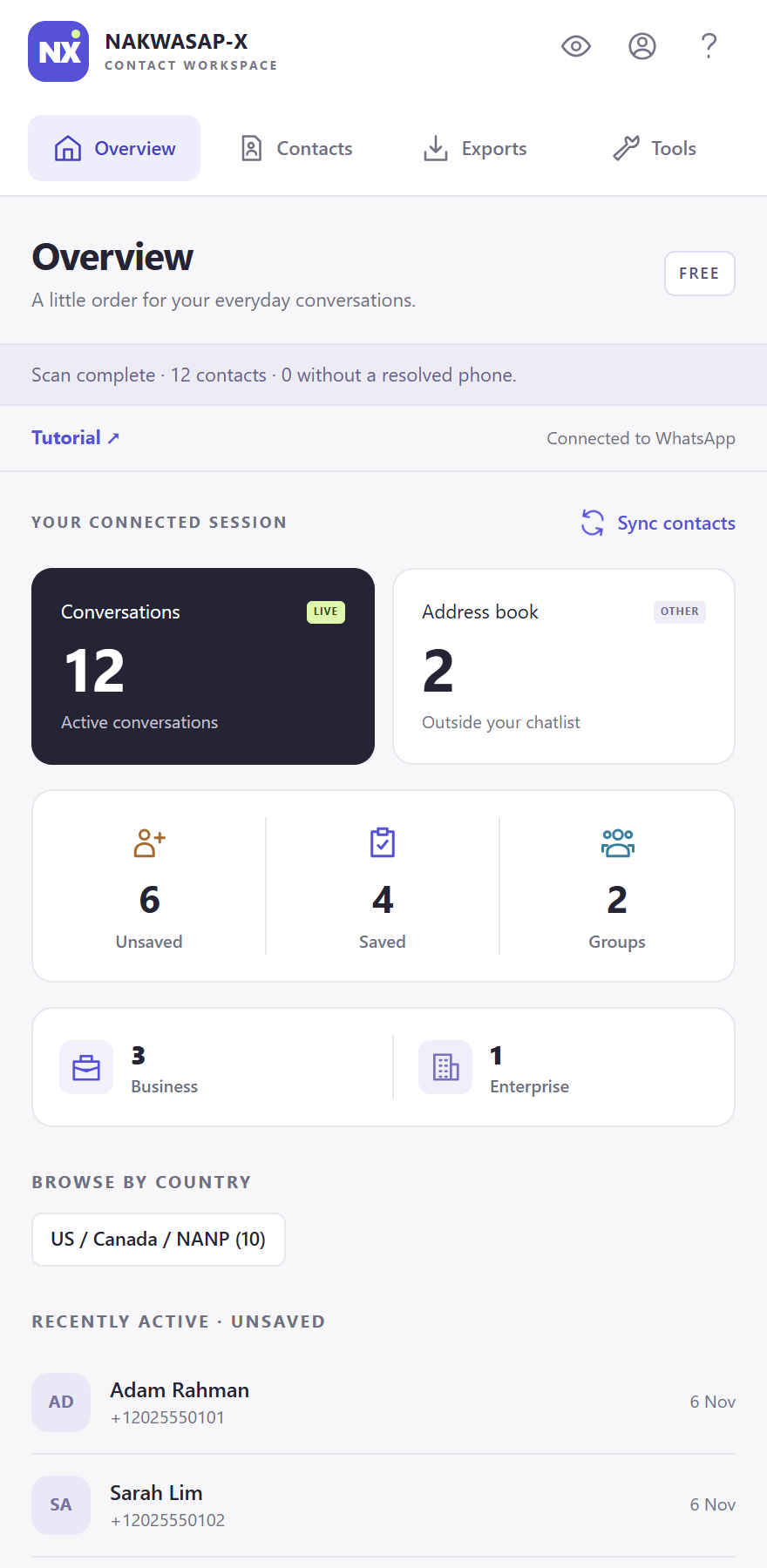
A focused panel beside WhatsApp Web, with the tools to turn scattered contact details into something useful.
Start with chats, groups or Business labels. Focus on unsaved contacts, narrow by country or name, and check the results before exporting.
Keep notes, tags, email addresses and custom fields alongside your contacts. Your local workspace keeps each WhatsApp account separate.
Choose Excel for a spreadsheet, CSV for an import, vCard for your phone, JSON for structured data or HTML for a searchable report.
Review and run label assignments, archive or unarchive selected chats, and tidy up conversations you no longer need.
Preview membership, clone a group structure, add consenting members, share invitations or remove selected members. Pro includes execution.
Turn on Privacy mode to blur sensitive information while presenting. Your contact workspace remains on your device.
Clear navigation, readable controls and a quieter workspace. Captured from NX 0.5.1 with fictional sample contacts.
See your session totals and jump straight into a filtered list.
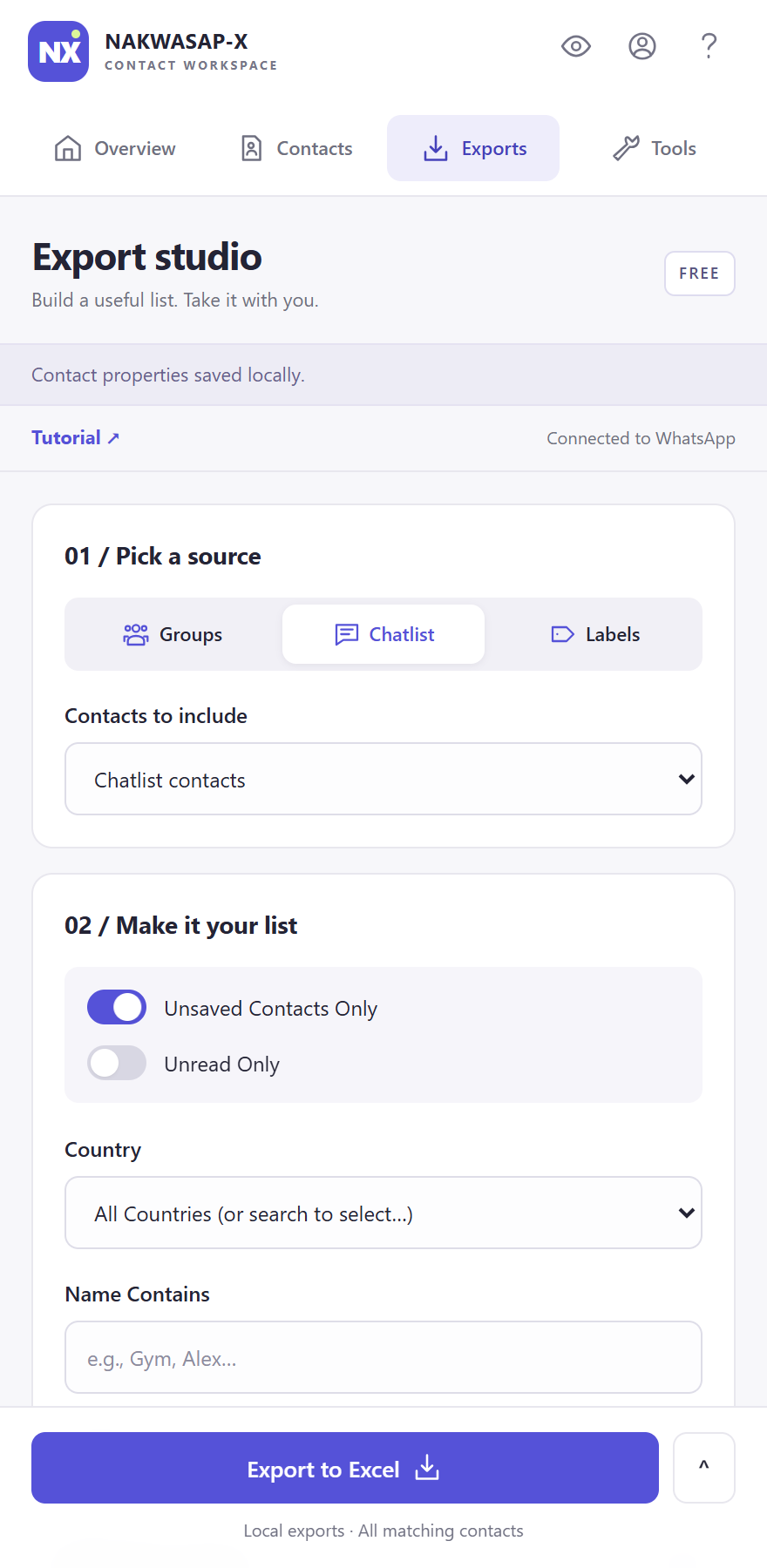
Choose a source, refine the selection and preview your file.
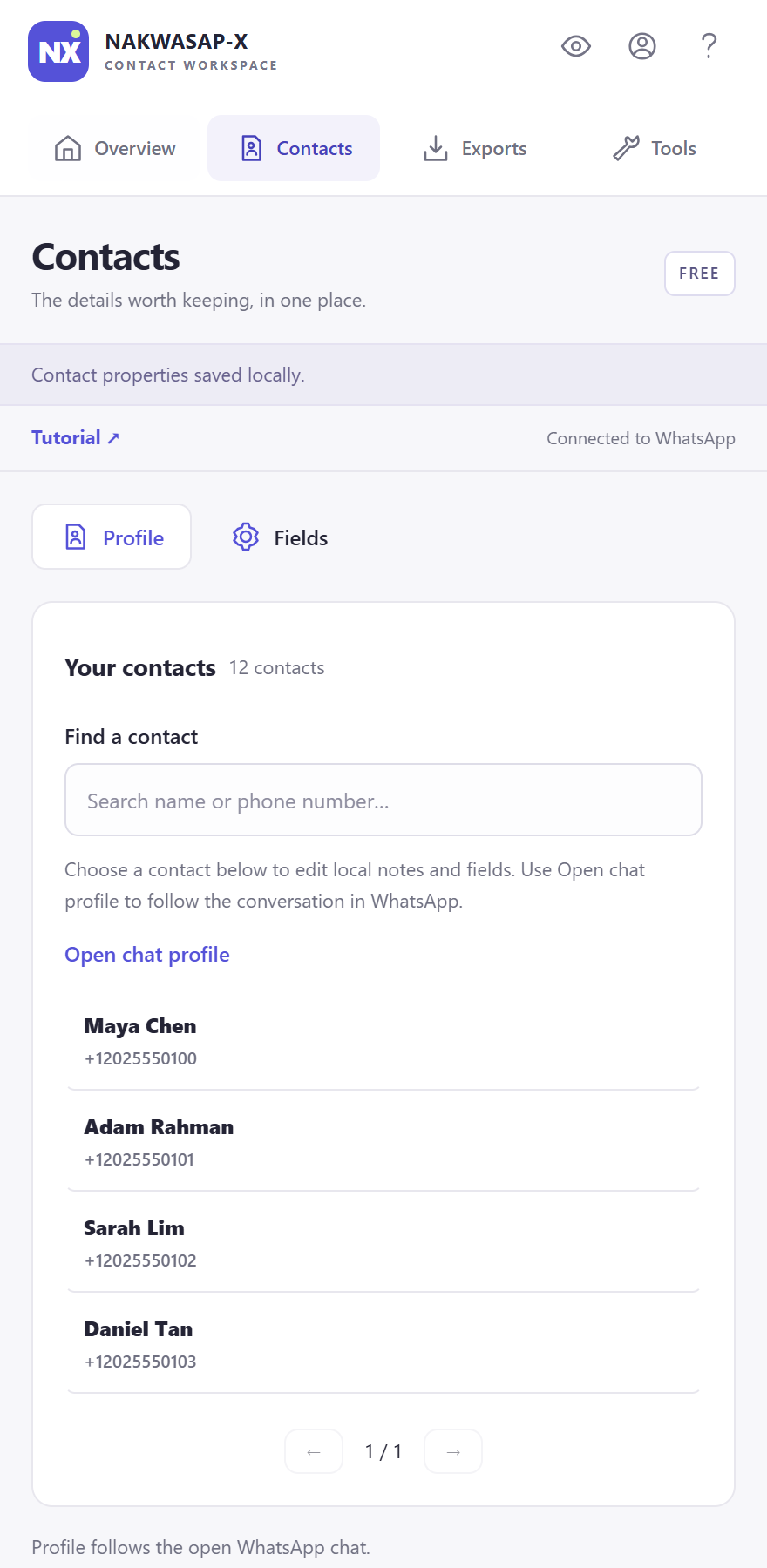
Keep follow-up notes and details with the right person.
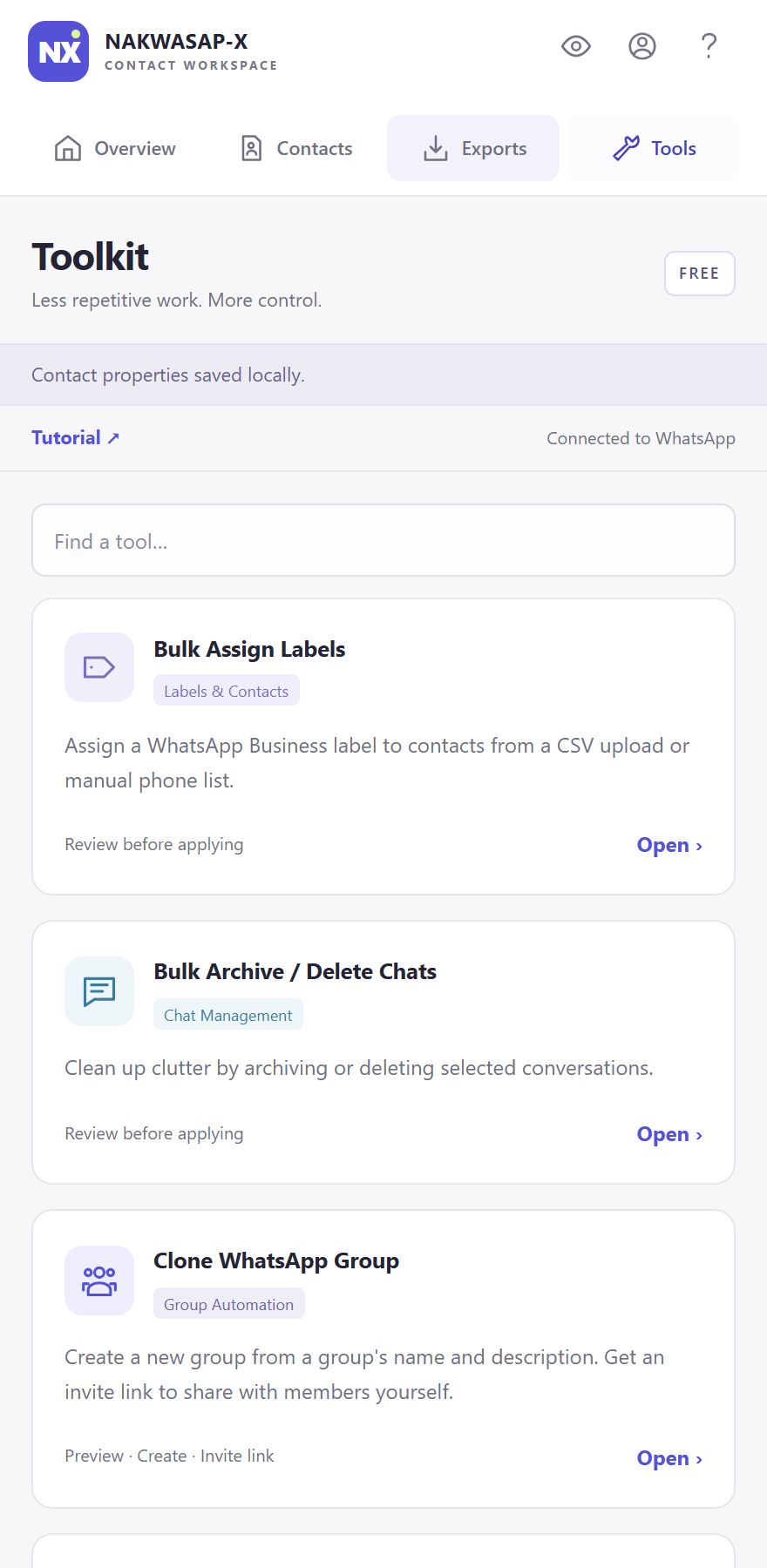
Guided workflows put a review between selection and action.
Swipe to explore on mobile, or select a screen for the full-size image. Fictional sample data; available actions depend on your plan and WhatsApp permissions.
Explore a sample list, apply a filter and download a CSV. This demo uses fictional data, never your WhatsApp session.
| Contact | Status | Source | Country |
|---|---|---|---|
| MCMaya ChenFictional contact | Saved | Chatlist | Malaysia |
| ARAdam RahmanFictional contact | Unsaved | Chatlist | Malaysia |
| SLSarah LimFictional contact | Unsaved | Group | Singapore |
Download a CSV with these three fictional contacts.
Demo data only. Your real contacts never appear on this website.
Keep WhatsApp Web open. NX takes care of the contact view beside it.
See installation options ↗Click the extension to open WhatsApp Web. Connect with WhatsApp’s QR code if you are not already signed in.
NX scans available contacts when WhatsApp is ready. Use your chats, group memberships or Business labels as the starting point.
Apply filters, check your selection and save a file in the format that suits your next task.
Use Free for smaller jobs. Upgrade inside the extension when your list or workflow needs more.
For a small list or a first look.
Get started free ↗Pro tools, one month at a time.
Choose in the extension ↗For a regular part of your routine.
Choose in the extension ↗A one-time upgrade to Pro.
Choose in the extension ↗Prices in USD, excluding applicable tax. WhatsApp permissions and platform limits still apply.
Open NX → Account, sign in with your email code and choose a plan. Stripe handles checkout. Once payment is confirmed, your access updates automatically.
Make NX part of your next WhatsApp session.
The preview is available now. Store installation and automatic updates will be available after Google approves the listing. Keep a copy of your local notes and exports before switching installations.
Download NX 0.5.1 and extract it to a folder on your computer.
Open chrome://extensions, enable Developer mode, select Load unpacked and choose the extracted folder.
Pin NX, click its icon and connect WhatsApp Web. Your first scan starts when the session is ready.
Export WhatsApp contacts to Excel with NX. Choose a source, filter your list, check available numbers and download an XLSX file from your browser.
Read guide ↗CONTACT ORGANIZATIONFind and export unsaved WhatsApp numbers from your connected session. Learn how NX filters work, why numbers can be missing and how to review your list.
Read guide ↗GROUP WORKFLOWSExport contacts from selected WhatsApp groups using NX. Understand member loading, filters, Free limits and phone-number availability before downloading.
Read guide ↗FILE FORMAT GUIDECompare the five NX contact export formats: Excel, CSV, vCard, JSON and HTML. Choose the right file for spreadsheets, contact imports or local reports.
Read guide ↗